AISSKO apps
Get fluent in Ops Radar EX, Ops Hub, Squad Roster, License Splitter, and the rest of the suite.
- Loading your first exports
- Reading the dashboards and drilling in
- Building reports for leadership
Training from the team that builds the software and runs the work: how to use our apps, how the field work gets done, and how to set up an operation of your own.
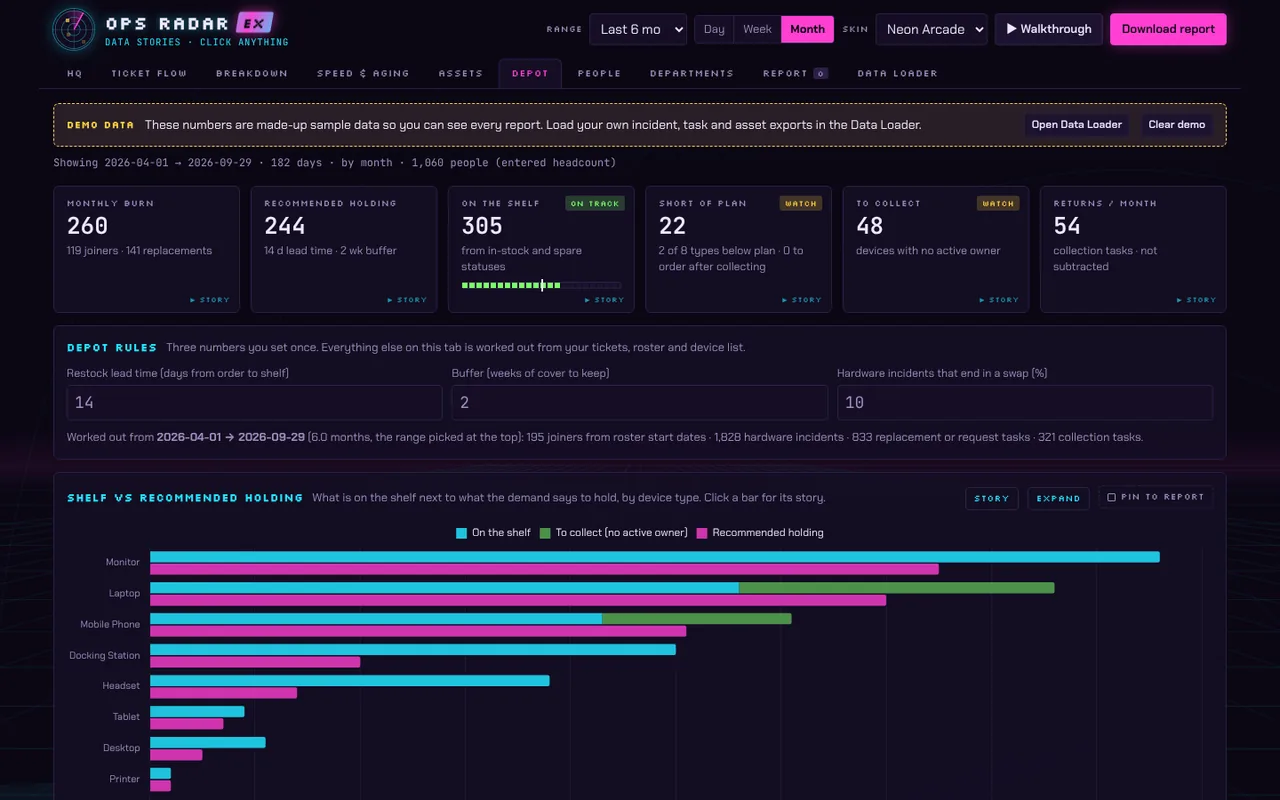
Training uses the same apps you will use at work. Screenshot shows sample data.
Get fluent in Ops Radar EX, Ops Hub, Squad Roster, License Splitter, and the rest of the suite.
How IMAC, ITAM, e-waste handling, and warehouse movement are done well and documented properly.
Set it up yourself: asset tracking, depot inventory, ticket reporting, and team skills coverage.
Two browser tools that turn your voice into talking cartoon characters. Learn them with us, then use them for skits, explainers, voiceover characters, and series content.
A dialogue-driven 2D cartoon animator. Record or upload your lines, pick a character, and Lipline animates it lip-synced to the audio, then exports a video. No manual keyframing.
A talking 2D cartoon avatar that lip-syncs in real time to Claude's voice-mode replies. Build a character, link a voice conversation, and watch the face react as it talks.
Built to support you, not hook you.
Walk through the tools with an instructor and ask questions as you go.
Step-by-step guides you can follow at your own pace.
Focused help on your own data, your own team, and your own questions.
Get a whole team productive on the apps and the process together.
Programs are taking shape now. Join the interest list and tell us what would help most, and we will shape sessions around real requests.
Tell us what you want to learn. We will write back with what is available and what is coming.