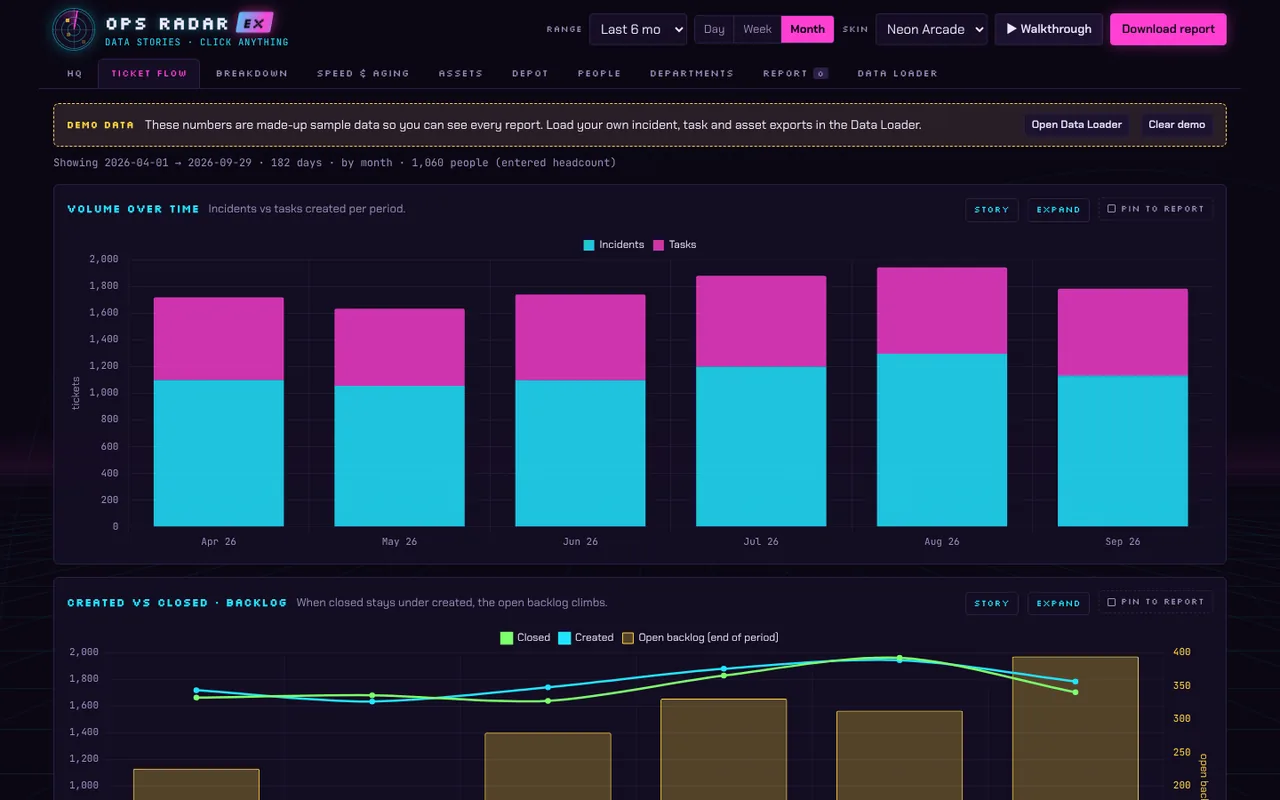
Ops Radar EX
Headcount, incidents, tasks, and assets trended over time, with data stories: click any trend for ratings and drill-down. Build reports and a PowerPoint deck from what you find.
Operations analytics for IT teams, handy tools for everyday work, and creator tools for game makers. Try one, download a free one, or ask us about a license.
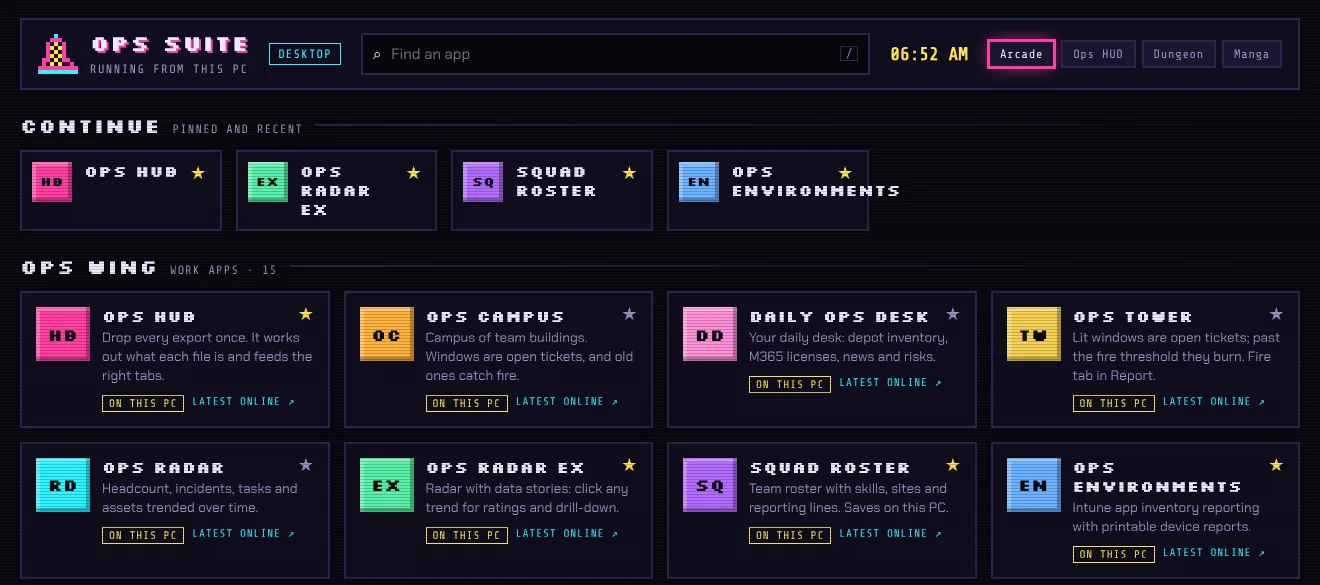
Led by Ops Radar and Ops Campus. Drop in your ServiceNow, Intune, Microsoft 365, and people exports and get answers: ticket trends, asset and license reporting, team skills, and where your people are. The desktop edition keeps your saved data on your own PC.
Headcount, incidents, tasks, and assets trended over time, with data stories: click any trend for ratings and drill-down. Build reports and a PowerPoint deck from what you find.
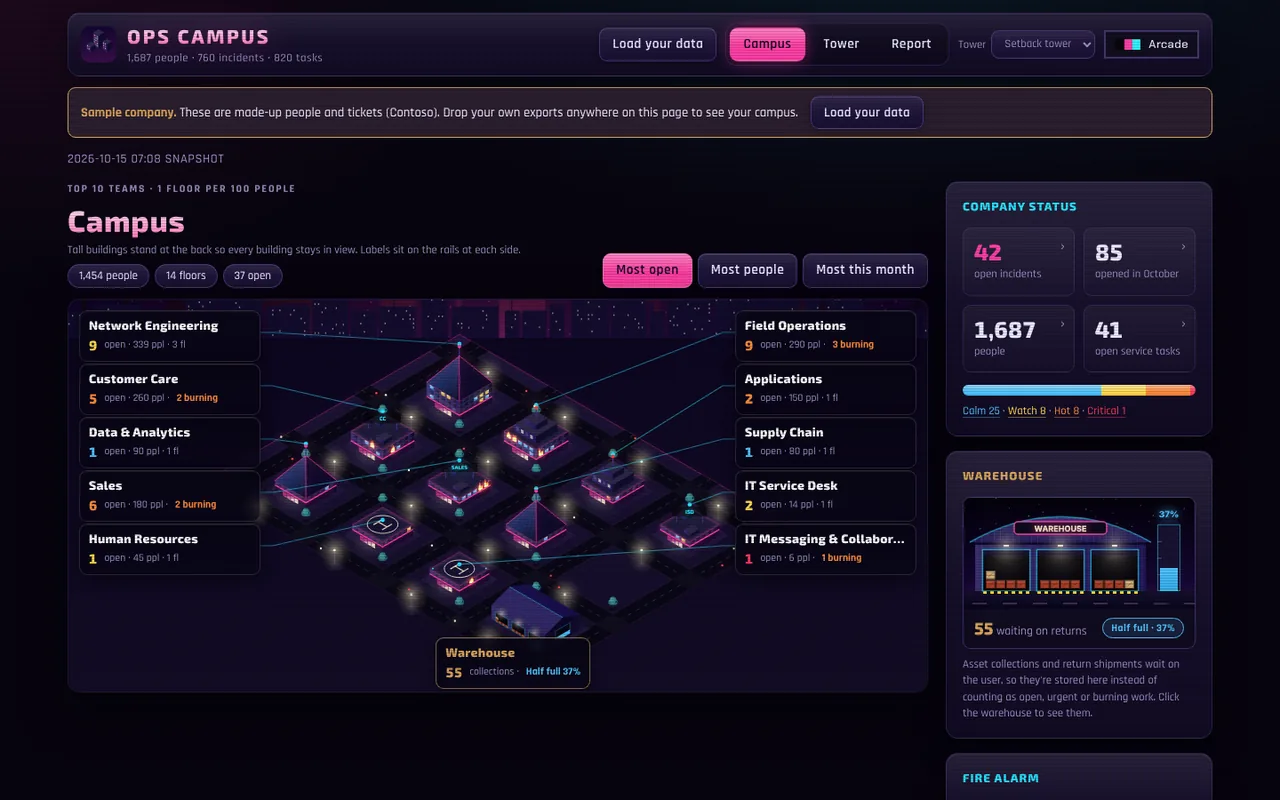
Your teams as a campus of buildings. Open tickets light the windows and old ones catch fire. A tower view ranks the teams with the most open issues, a warehouse shows asset returns waiting, and a report view sums it up.
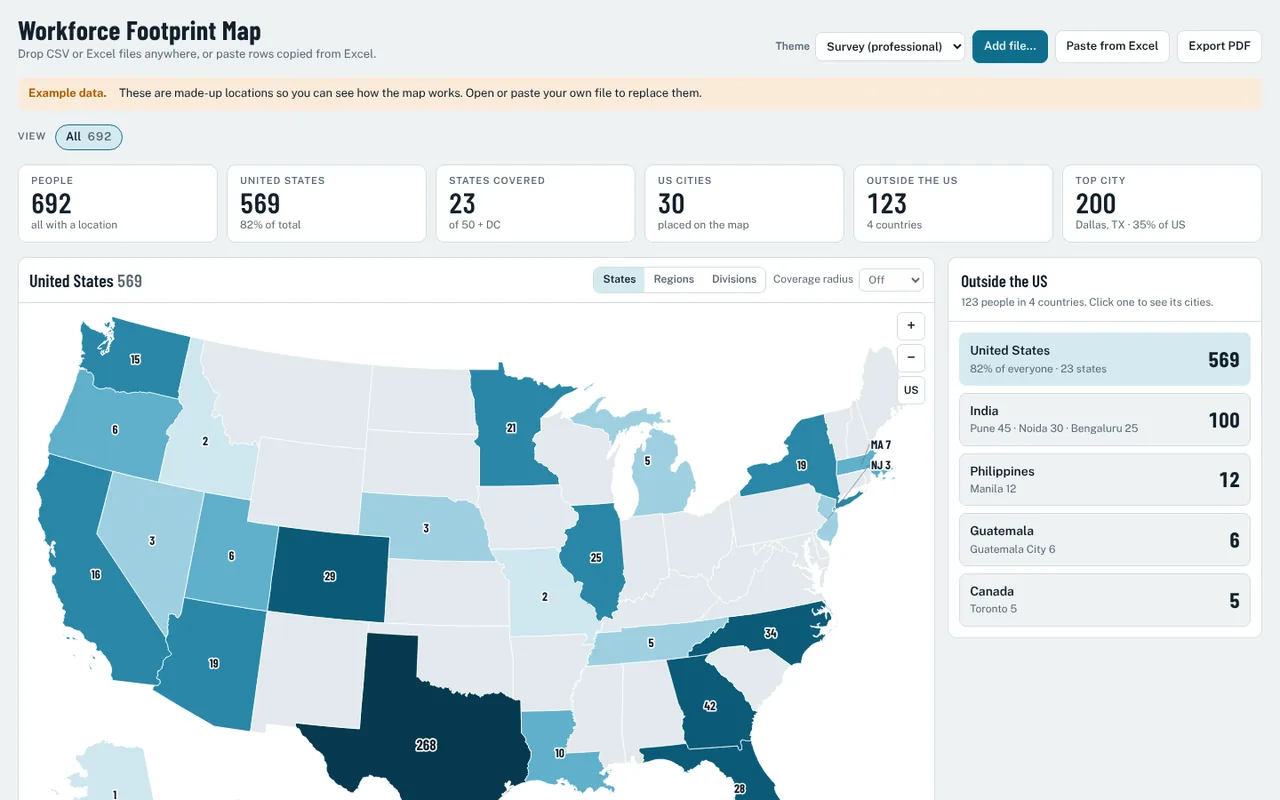
Drop in a spreadsheet of people and locations and see your workforce across the US and beyond, by state, region, division, and coverage radius. Export a PDF.
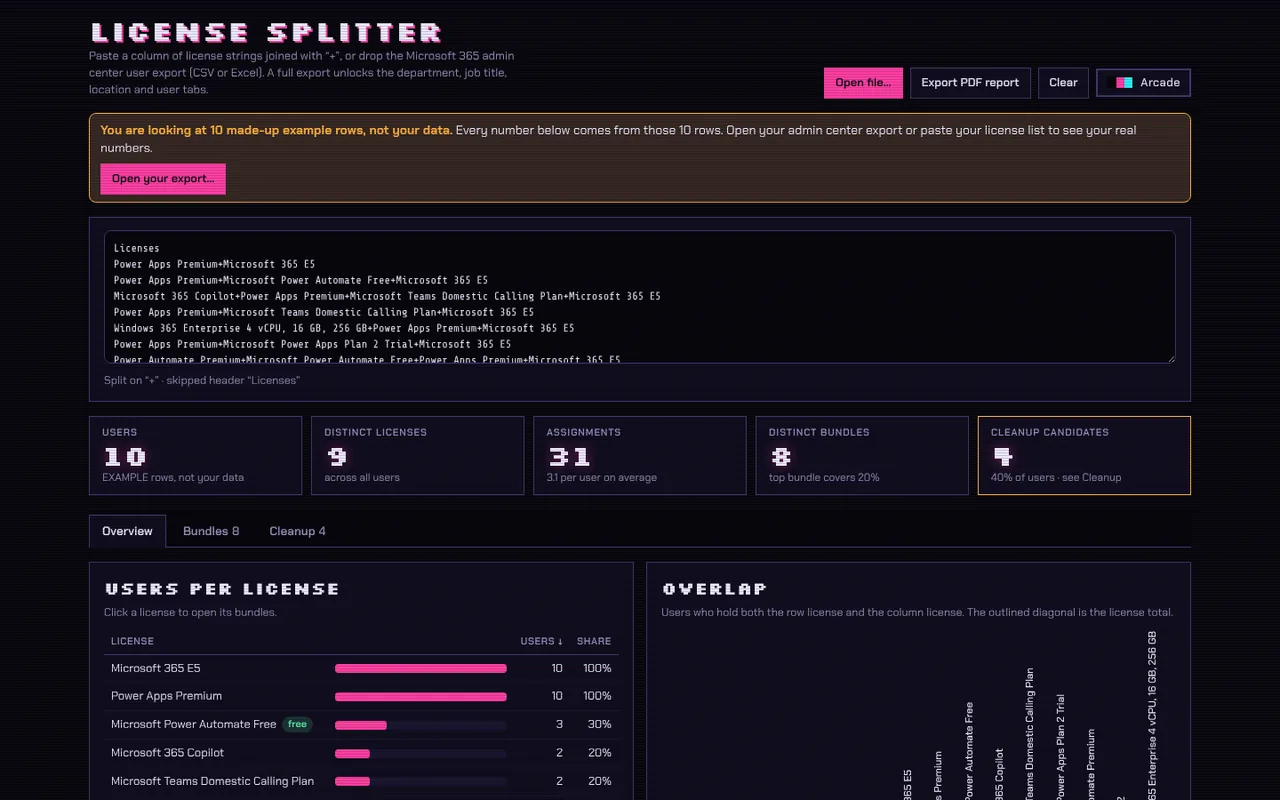
Paste a column of combined license strings, or drop a Microsoft 365 admin center export, and split them into clear counts, bundles, overlaps, and cleanup candidates. Export a PDF report.
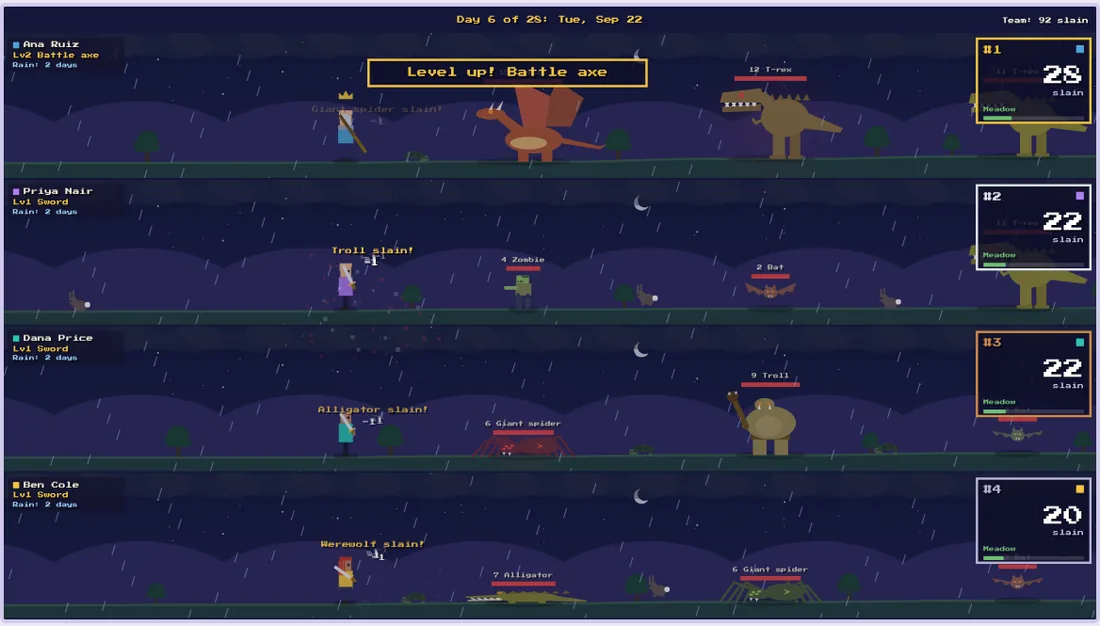
Turn a ticket export into a game. Each tech is a hero facing a monster built from their own tickets, with weapons that level up and a sky that moves from dawn to night.
Drop every export once. It works out what each file is and feeds the right tabs.
Team roster with skills, sites, and reporting lines, plus a depth chart and succession planning.
Intune app inventory reporting with printable device reports.
Your daily desk: depot inventory, Microsoft 365 licenses, news, and risks.
Lit windows are open tickets; past the fire threshold they burn.
Headcount, incidents, tasks, and assets trended over time.
Utilities for your desktop and your browser, including one you can download free today.
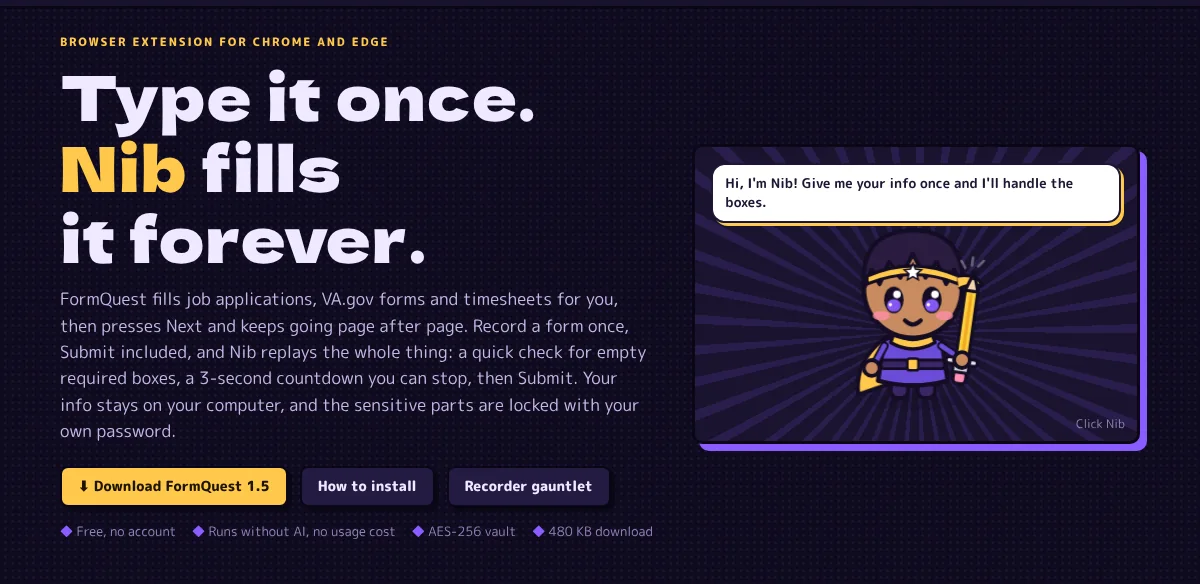
Fills job applications, forms, and timesheets for you, then presses Next and keeps going. Record a form once and replay it any time. No account, no AI usage costs, and your info stays on your computer, with sensitive parts locked by your own password.
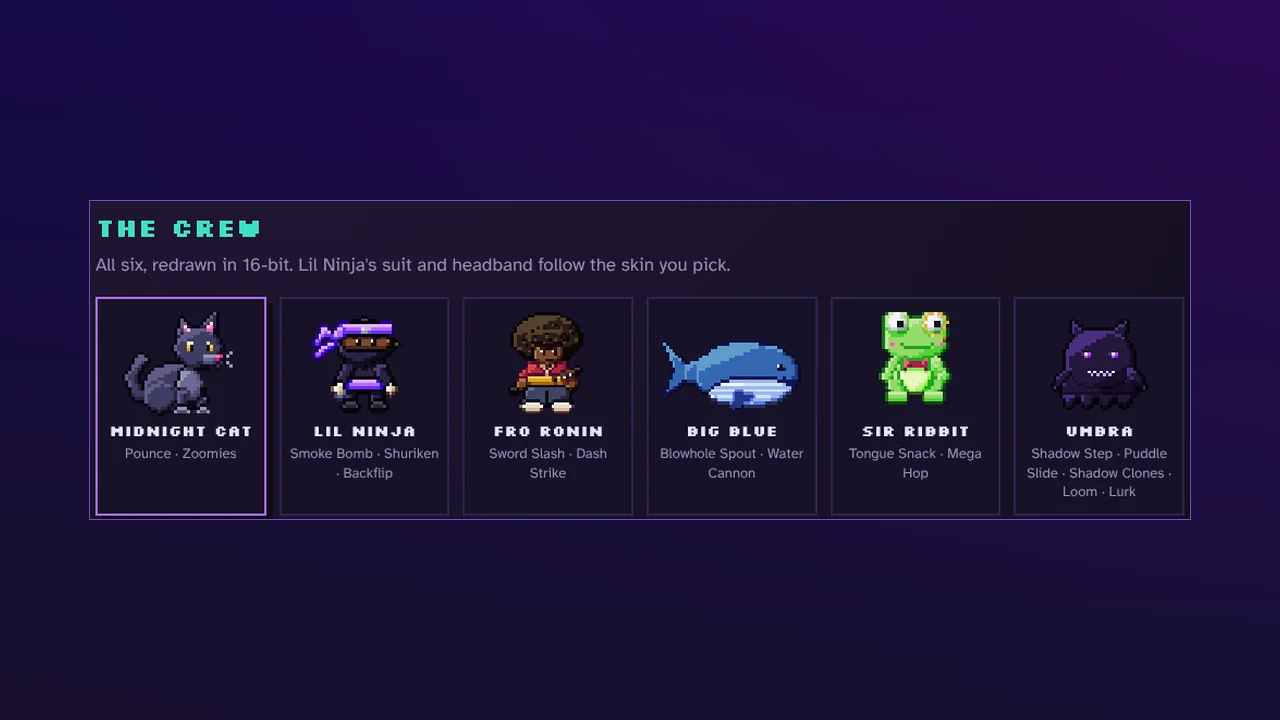
A big, chunky sticky pad that stays on top of your Windows desktop, guarded by a 16-bit buddy. Pick from six pixel-art companions.
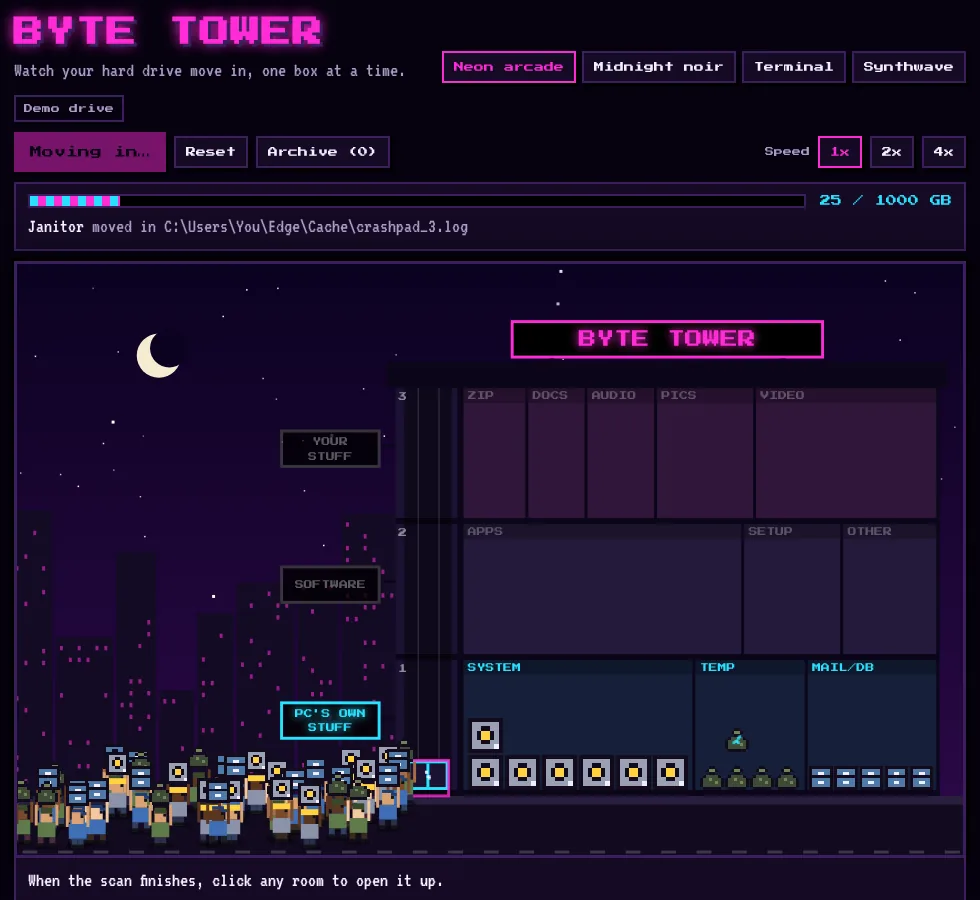
Watch your hard drive move in, one box at a time. A playful scan that sorts files into rooms of a tower and flags junk and things worth a look.
The same utilities AISSKO Gaming uses, available to other makers.
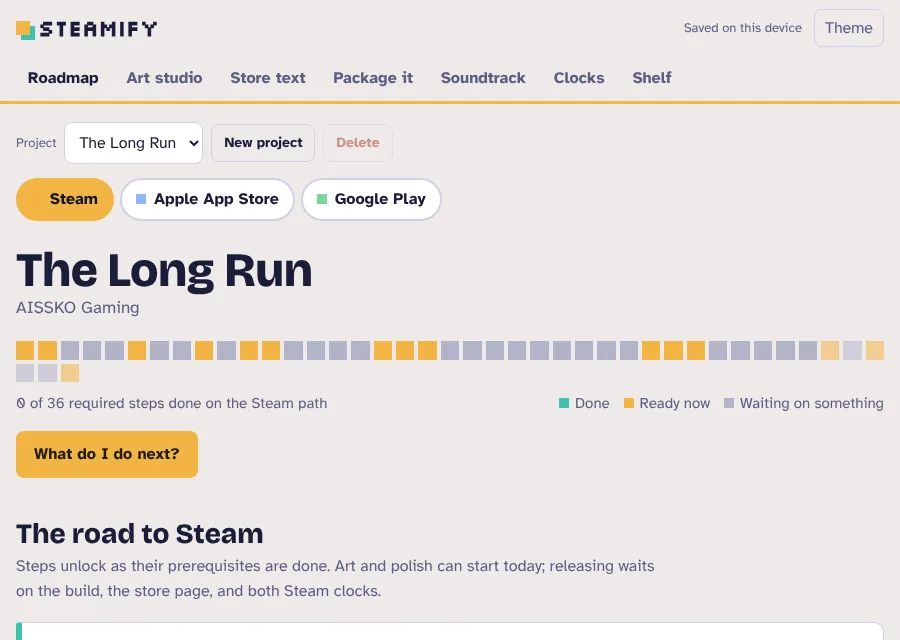
A guided roadmap for getting a game onto Steam, the Apple App Store, and Google Play. An art studio that crops to exact store sizes, store text drafting, packaging steps, and the clocks to watch.
Pick what you are recording and hit the red button. Every take comes out trimmed, leveled, and saved as a game-ready WAV.
A web theme kit: comic-panel outlines, halftone dots, speed lines, and drifting sakura petals, in three looks.
Where an app is open for sale you will see a Buy button. Until then, ask about a license and we will follow up with options and pricing.
Ask about a licenseStuck, or found something odd? Tell us which app you are using and what you were doing, and we will help.
Contact supportWant a walkthrough for yourself or your team? We train people on every app in the suite.
See trainingServiceNow, Microsoft 365, Intune, Entra, Workday, Steam, Chrome, Edge, and other product names are trademarks of their respective owners. AISSKO is not affiliated with or endorsed by them. Screenshots show sample or example data.